Features
Intelligent tracking
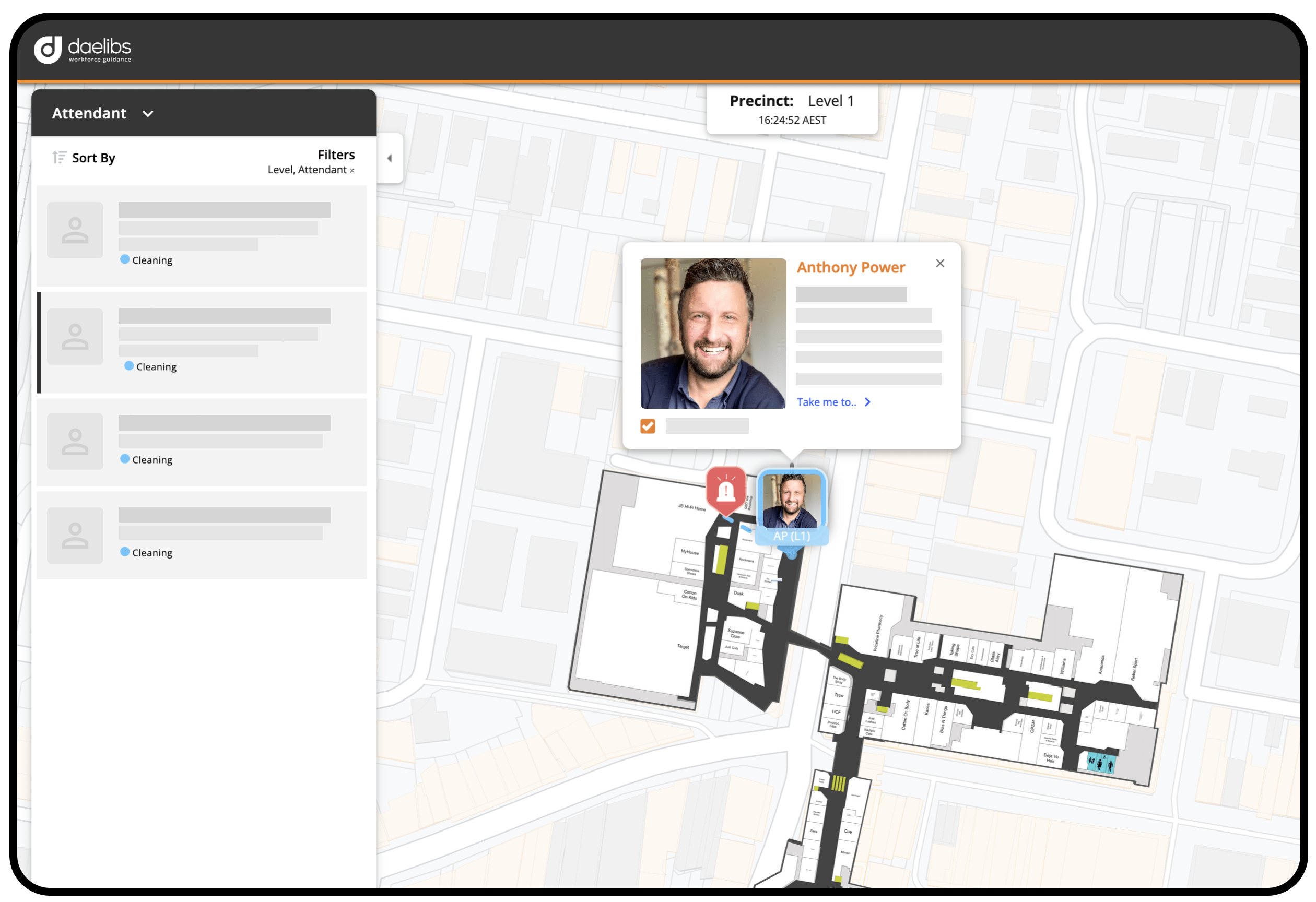
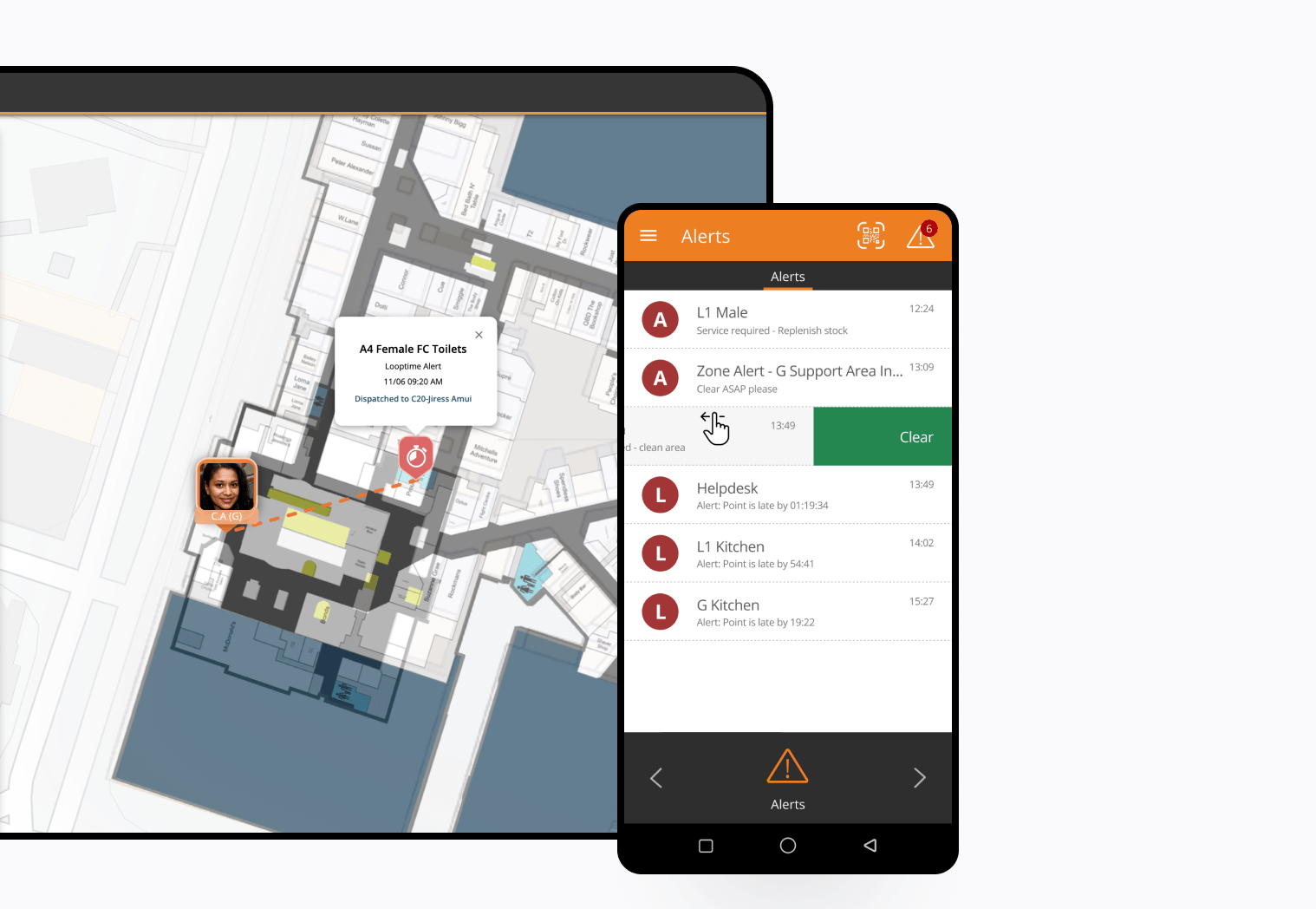
Team members current location and route can be monitored on a google map style interface with floorplans overlaid where applicable.
NFC
Bluetooth beacons
QR codes
Satellite positioning
Attendance frequency
KPIs around visitation frequency can be monitored. Furthermore, Workforce Guidance can proactively push out notifications directly to the relevant team member when the visitation window is approaching closure.
Biometric verification
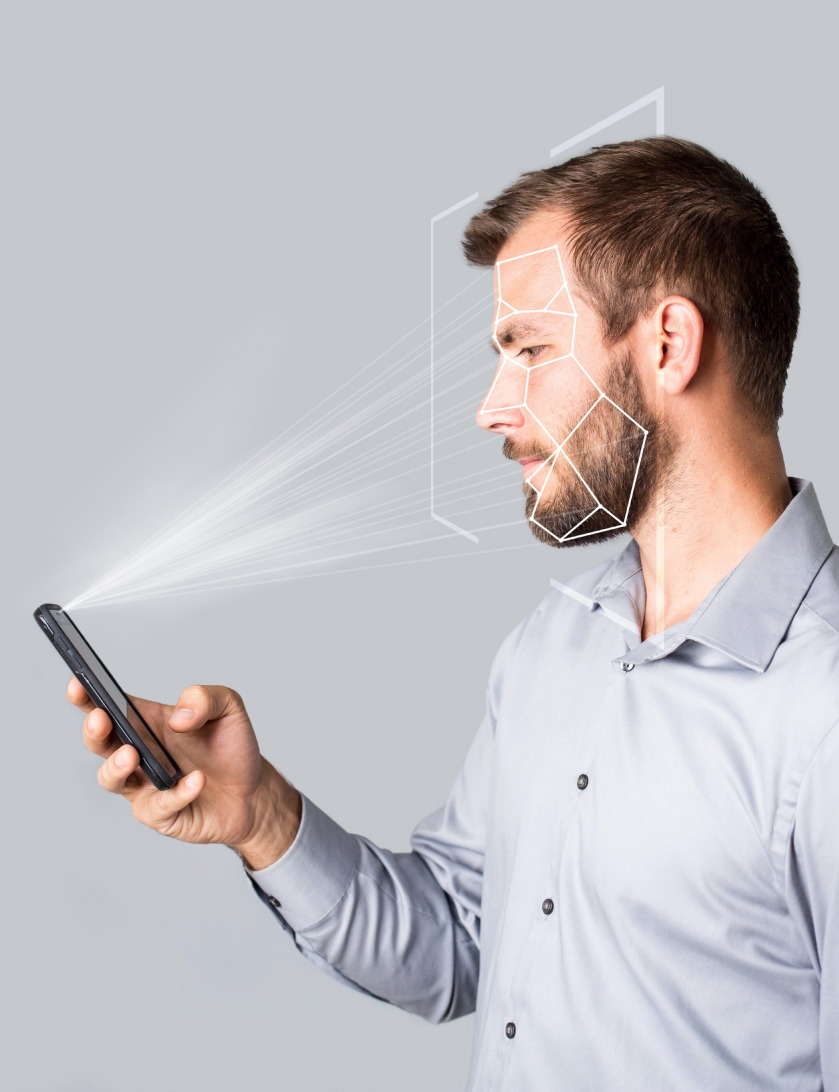
Our biometric login provides:
-
A simple way to log in to the application via facial recognition.01
-
Compliance through verification of personnel and location with timestamp.02
-
Time sheeting for payroll systems03
-
Immediate escalations and notification on attendance exceptions via SMS, email, Application alerts, API messages to third party systems.04
Work orders
Work orders can be issued from multiple sources and in multiple ways including:
Kiosk
IoT sensors
Customer/occupant requests
Facility management requests
Control room work orders and task requests
Scheduled tasks
Spoken
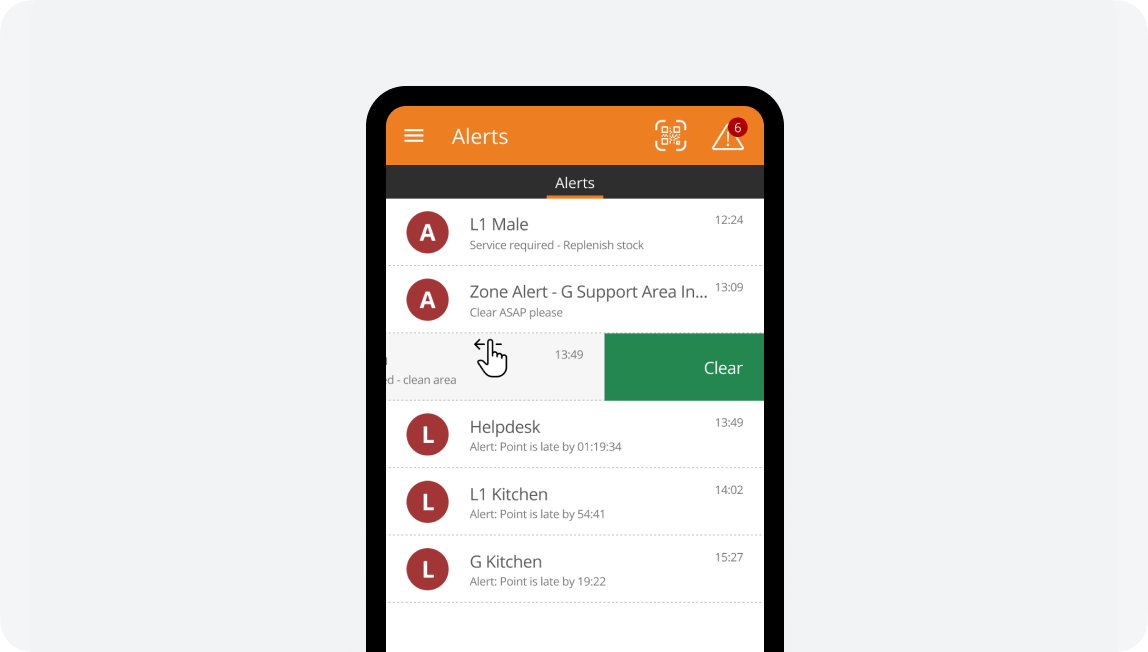
audible alerts
Just like Siri™
Location aware automated information
By detecting where each team member is, Workforce Guidance can send location specific information like work tasks to perform, Standard Operating Procedures, and checklists in the context that that person is occupying.
Multiple teams servicing the one facility
Teams can be grouped into workgroups. Workgroups are treated differently; having different responsibilities and KPIs and even functions in the system. Each work group will receive different information based on their team configuration. Common examples of multiple teams leveraging the same software are:
Cleaning
Waste
Catering
Car parking/Valet
Security
In-House services
Maintenance
Pest control
Facility management
Concierge
Hygiene
Visitor management
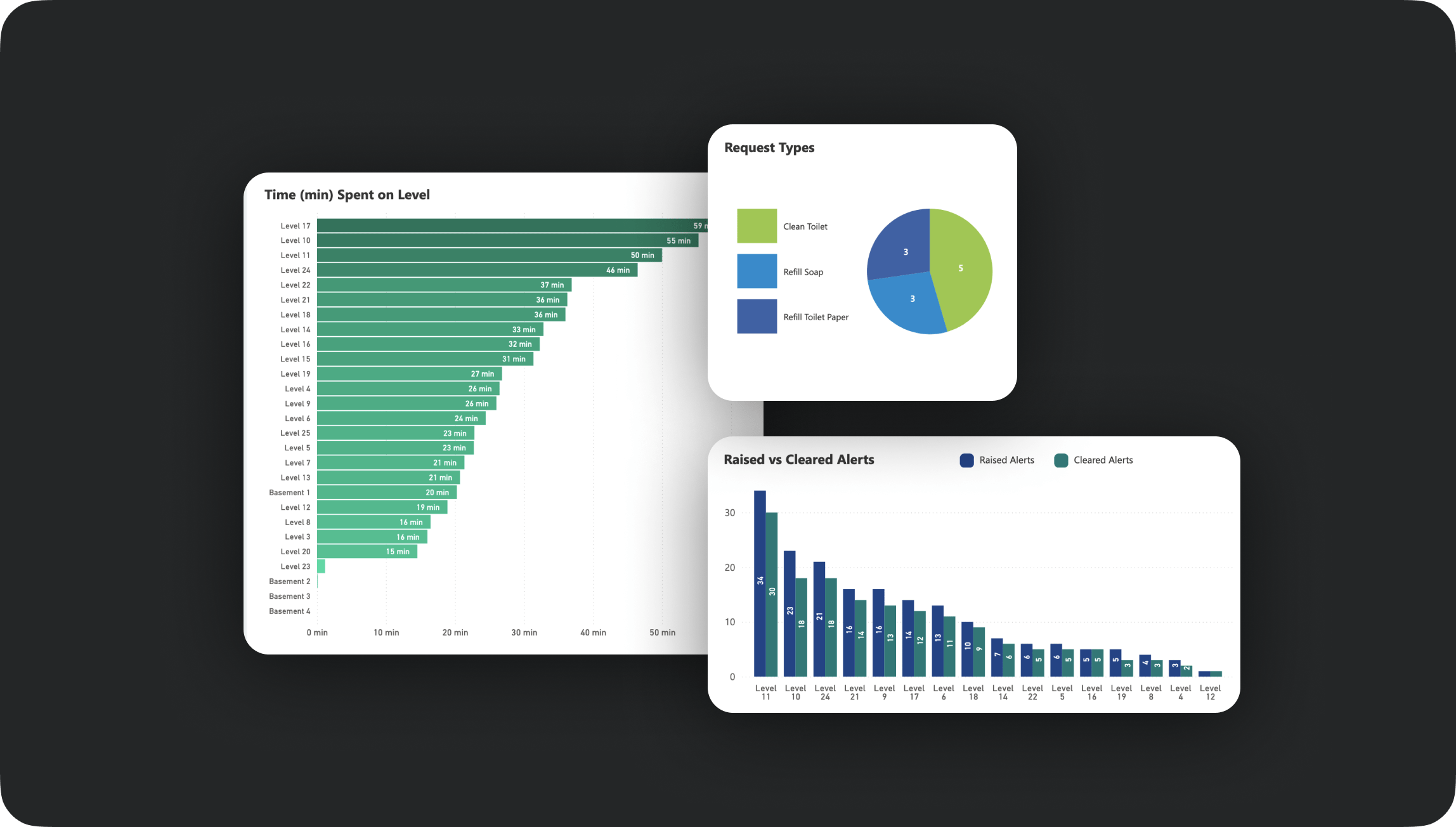
Out of the box reporting
Reporting available for:
Operational personnel
Executive reports and dashboards
APIs for report customisation
Customised reporting available
Each service provider approaches their business in a unique way, and having dashboards and reports that reflect their approach throughout their locations improves the visibility into their operations. Having a unique reporting dashboard also acts as a differentiator amongst your competitors.
Multi language support
Support for multiple languages by installing the relevant language pack. Workforce Guidance will announce to the team member alerts as they are received for immediate awareness, avoiding missed or delayed responses. It also avoids having to check screens constantly for information updates.
On-the-go supervisor awareness
Supervisors that are on-the-ground can see current tasks of their team along with team member whereabouts.
Checklists or duties
Each location can have a different set of tasks or duties assigned to it. Furthermore, there can be different tasks or duties assigned to each work group.
For example, a cleaner may enter a room and be presented with instructions to wipe down surfaces and empty bins. A security patrol entering that same room will be instructed to check lights are off, windows are latched, and doors locked.
There are 2 options with this feature. A list to remind the team member, which can also be automatically announced audible when they enter the room; or alternatively a checklist presented on the screen to record and verify tasks carried out.

Customisable forms
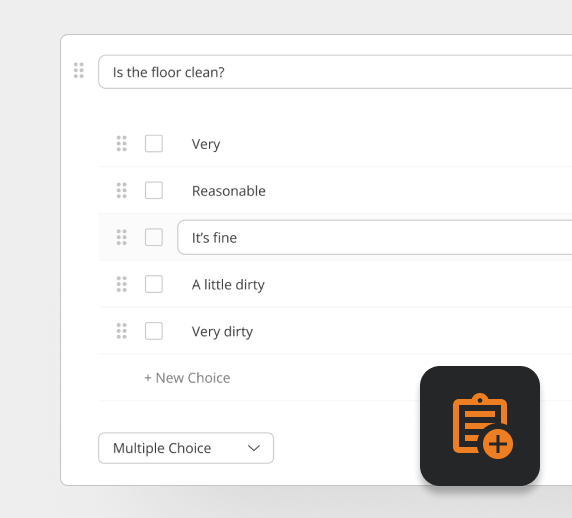
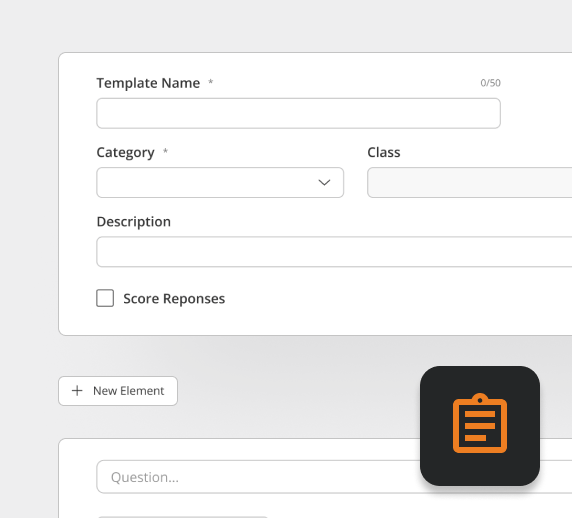
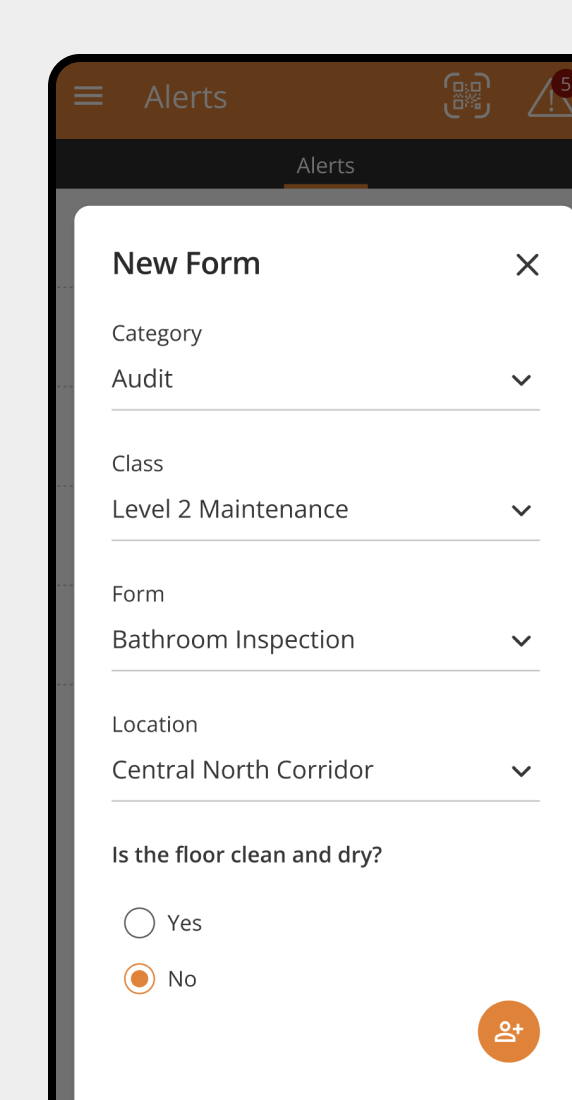
Create forms for your teams to use in the field to record information in-situ the moment it is required without having to retrieve forms or write notes to be recalled and manually transposed into documents at a later time.
Forms can include many different types of fields along with follow up questions based on answers. Follow up actions can be dispatched within the form with the click of a button.
Scores can be assigned to form templates to score responses and determine a pass or fail for the entire form.
Medical incidents
Complaints
Actions to be taken
Property damage
Lost and found
Event planning
Compliancy issues
Audits & inspections
Recording customer information
KIOSKS
Rating service
and spaces
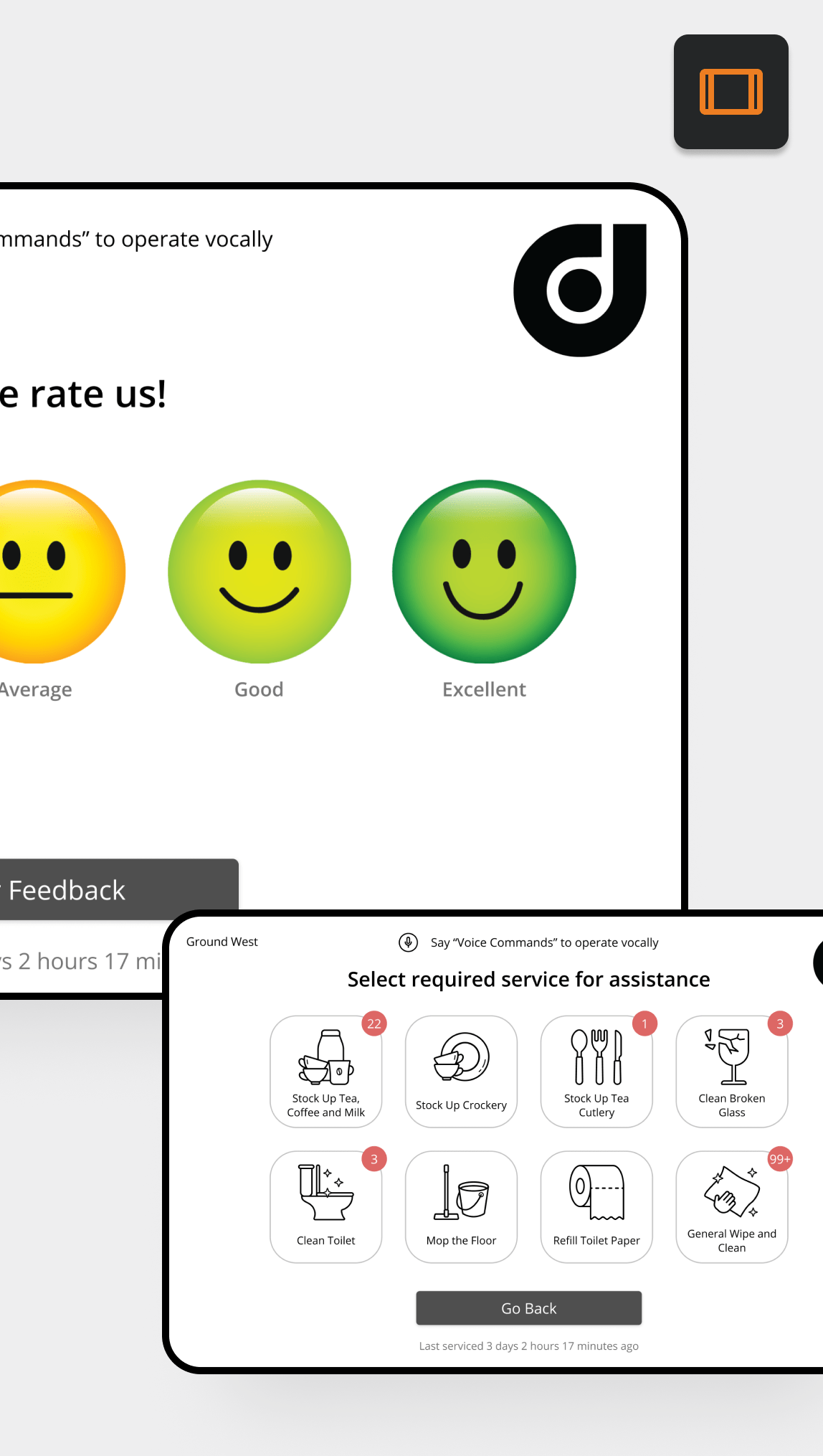
Allow occupants to rate the space they occupy in real time on a tablet screen using simple, low friction smiley faces along with optional comments.
Low ratings can automatically send work orders to the closest applicable team member responsible for that service and area and work type. For example – reporting a water leak will dispatch the closest maintenance team member, whereas low soap will dispatch the closest cleaner.
Kiosks
QR codes
Requesting service
& Service feedback
Kiosks
QR codes
Monitoring consumables
IOT - Internet of things
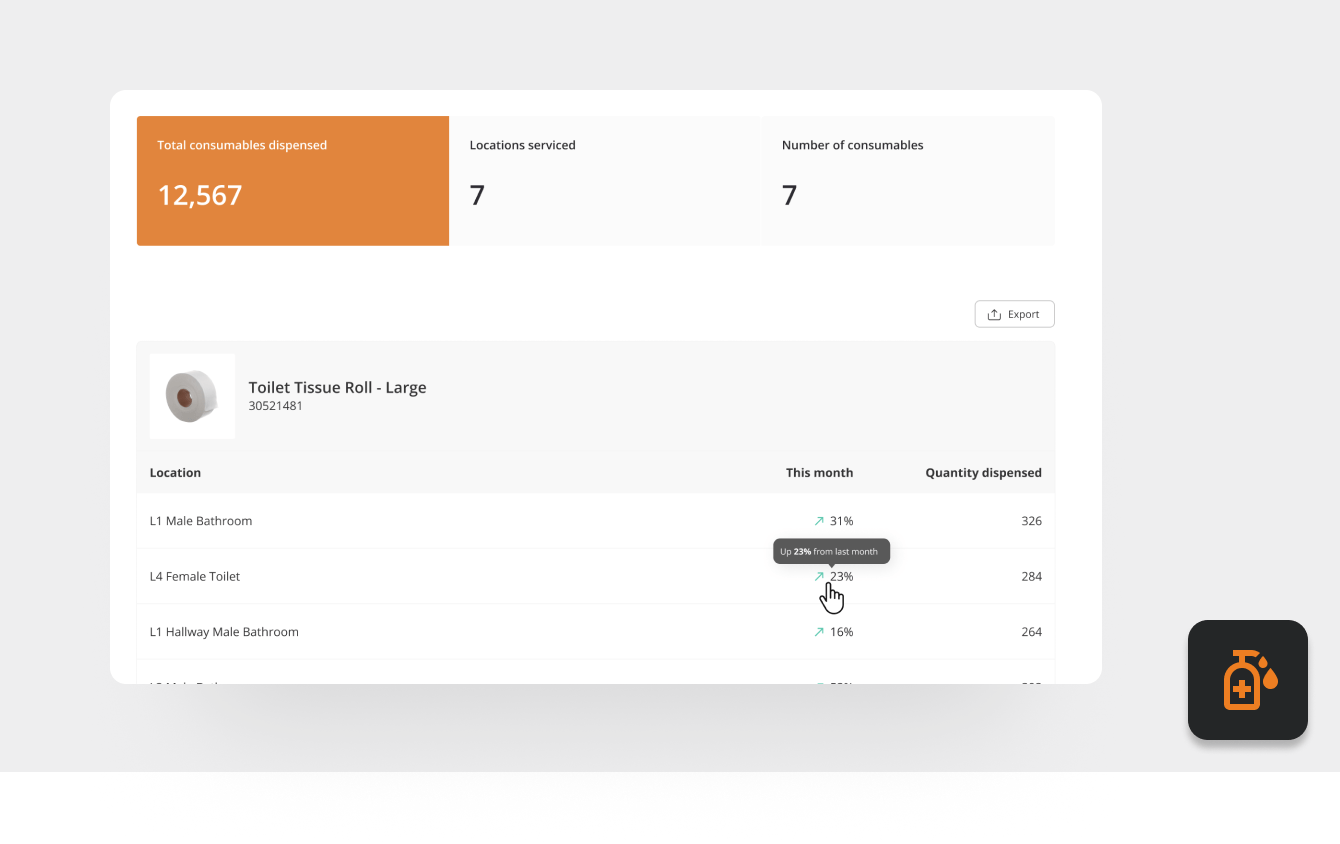
Recording of consumables deployed
Activity recording
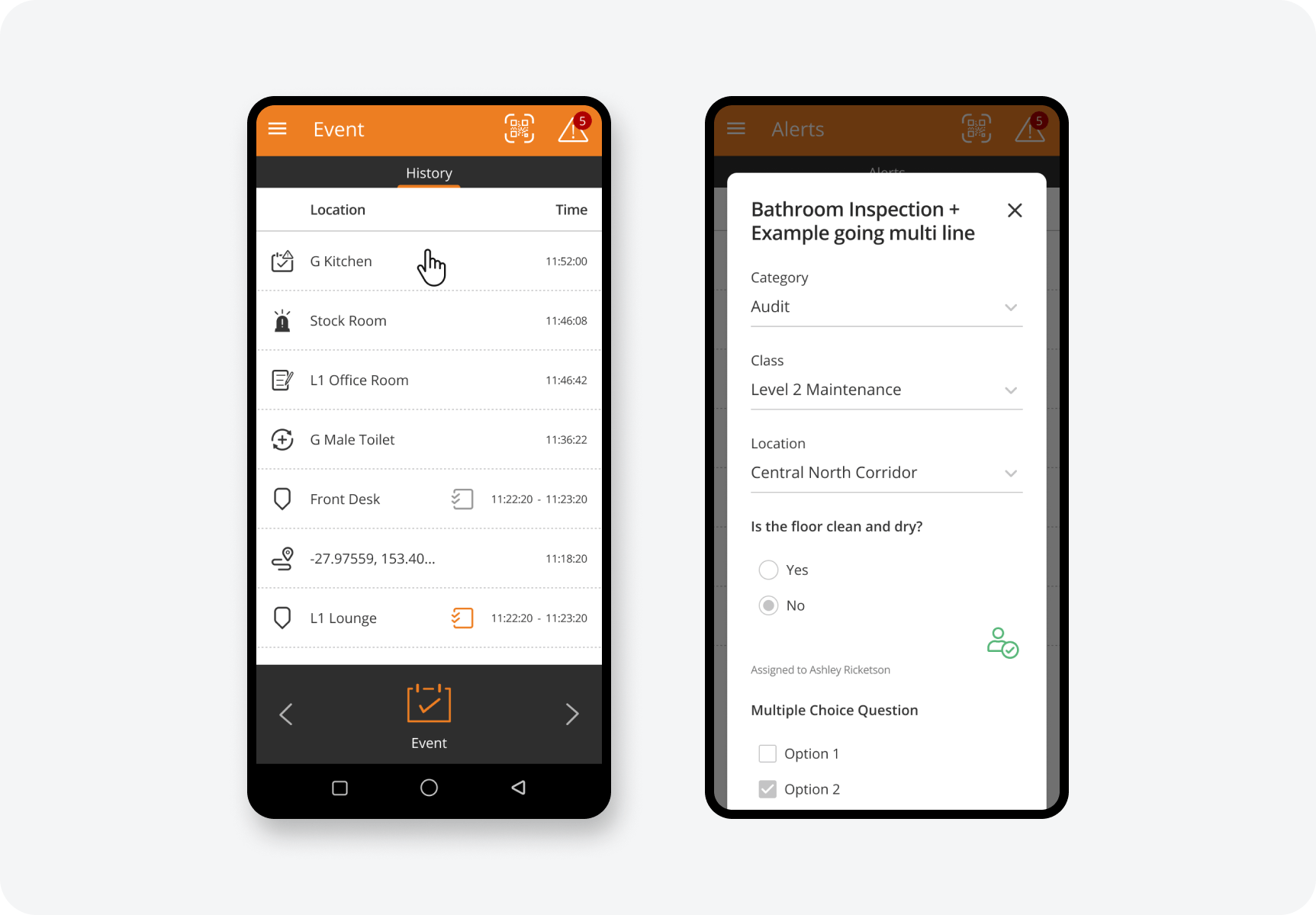
By simply gesturing on the screen, activities of each team member can be logged throughout the day recording the commencement and closeout of activities along with the locations they’ve taken place. Activities can be reported and analysed to profile how and where teams are spending their shifts.
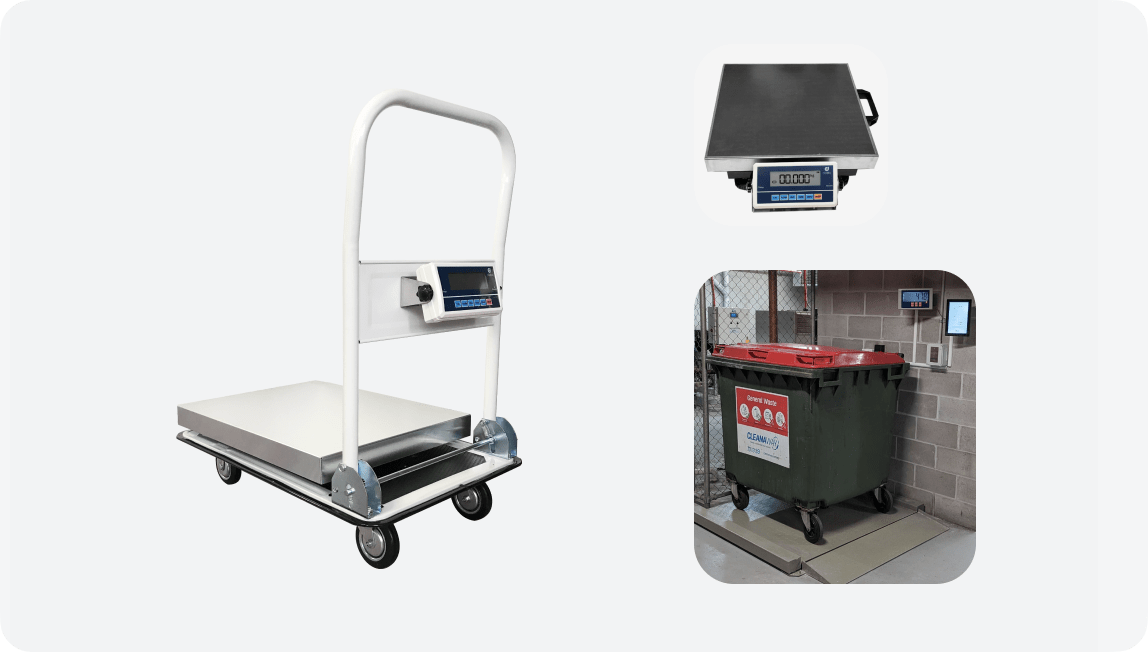
Waste weighing and categorisation
Use of QR codes at bins for cleaners to quickly record:
Tenant
Waste Stream
Daelibs connected scales then measure the weight of the waste and all the information to our server for comprehensive waste management reporting.